NewFor students
Two ways to work on an essay
Fixing an essay with your tutor's notes shows you what to improve. Writing a new one against the clock, with no notes, shows what you can do alone.
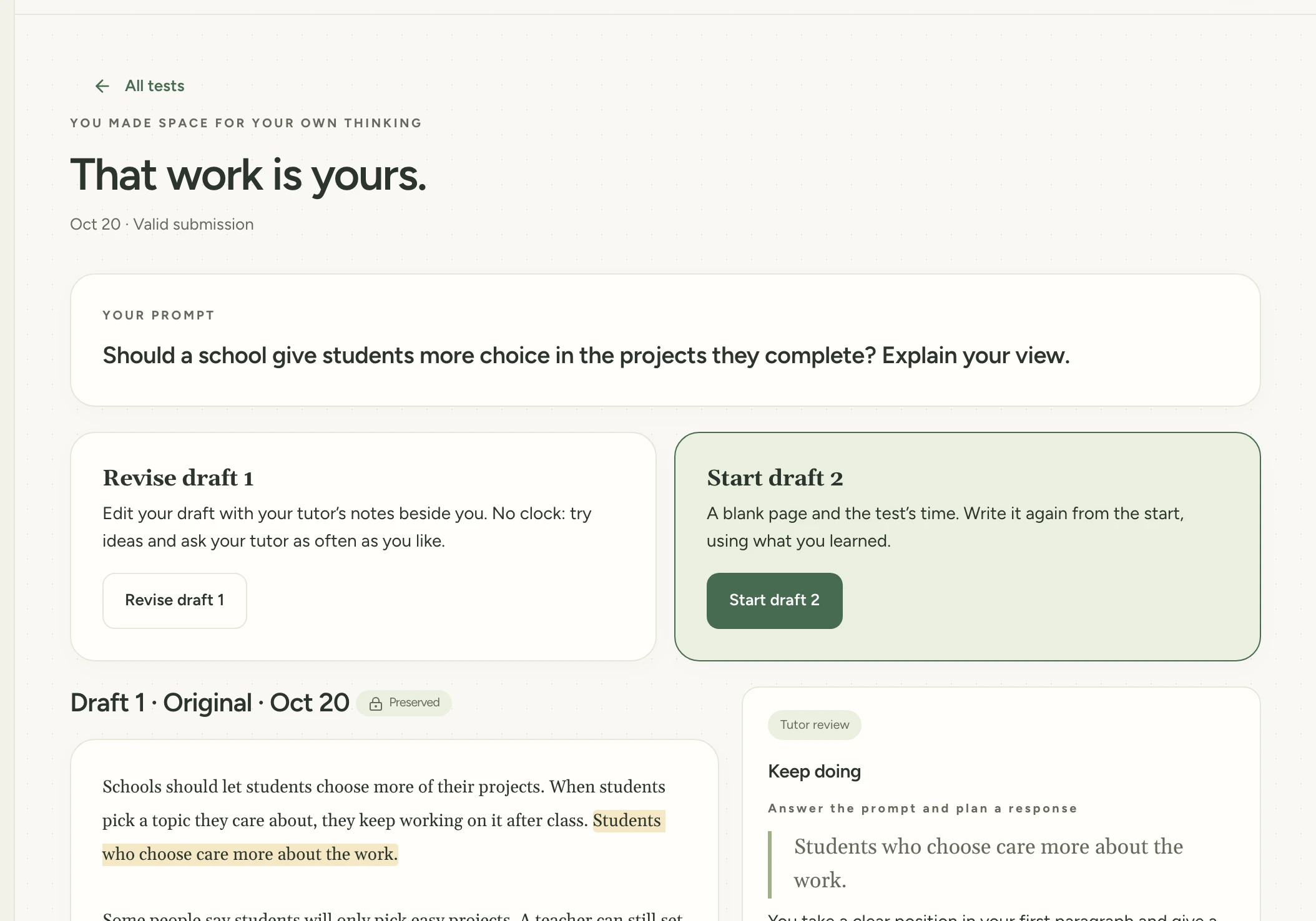
The essay page now gives you both. Revise your latest draft with no time limit and the notes beside you. Or start a new draft on a blank page, timed like the real test.
Find it:Test myselfYour previous workAn essay
How to try it
Open Test myself and tap Your previous work.

Open an essay your tutor has reviewed.
Tap Revise draft 1 to edit it with no time limit and your tutor's notes beside you.
Or tap Start draft 2 for a blank page, timed like the real test.
Try it in Study Garden Text this to someone
mystudygarden.com/whats-new/two-ways-to-work-on-an-essay