NewFor students
More room for your chat with the tutor
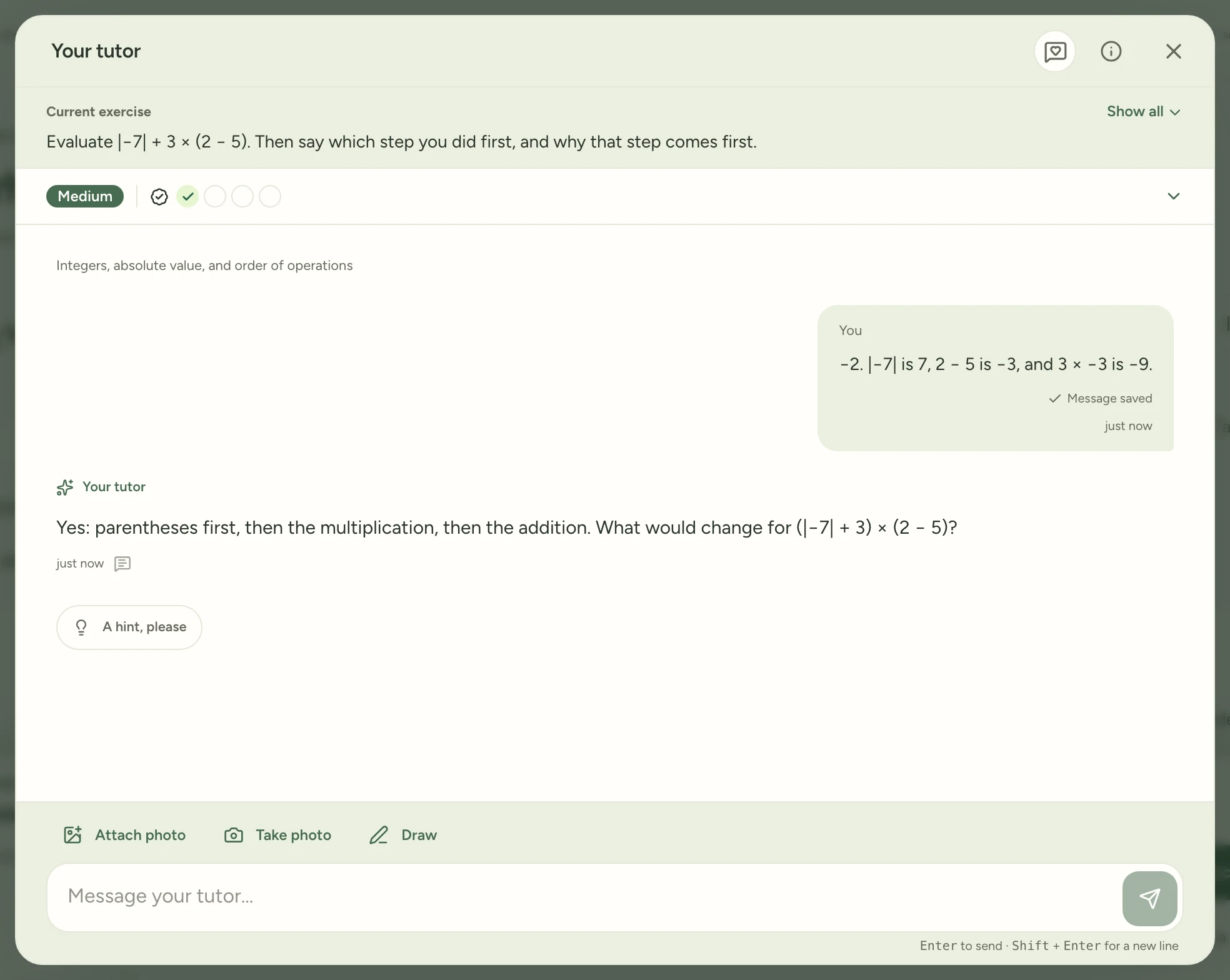
On an iPad, the exercise and your progress were taking up more of the screen than the chat.
Now each shrinks to one line, so the conversation gets most of the screen. Your level and your current goal stay in view. Tap Show all to see the whole exercise again.
Find it:Master TutorAny exercise
How to try it
Start any exercise with your tutor and send your answer.
The exercise shrinks to one line, so your chat gets most of the screen. Tap Show all to read it again.
Try it in Study Garden Text this to someone
mystudygarden.com/whats-new/more-room-for-your-chat