NewFor students
Send a photo of your homework to Master Tutor
Homework on paper no longer has to be typed out.
Master Tutor reads up to six photos in a message. It offers a topic you have, new topics in a study made from your own material, or a new study.
Find it:Master TutorAttach photo
How to try it
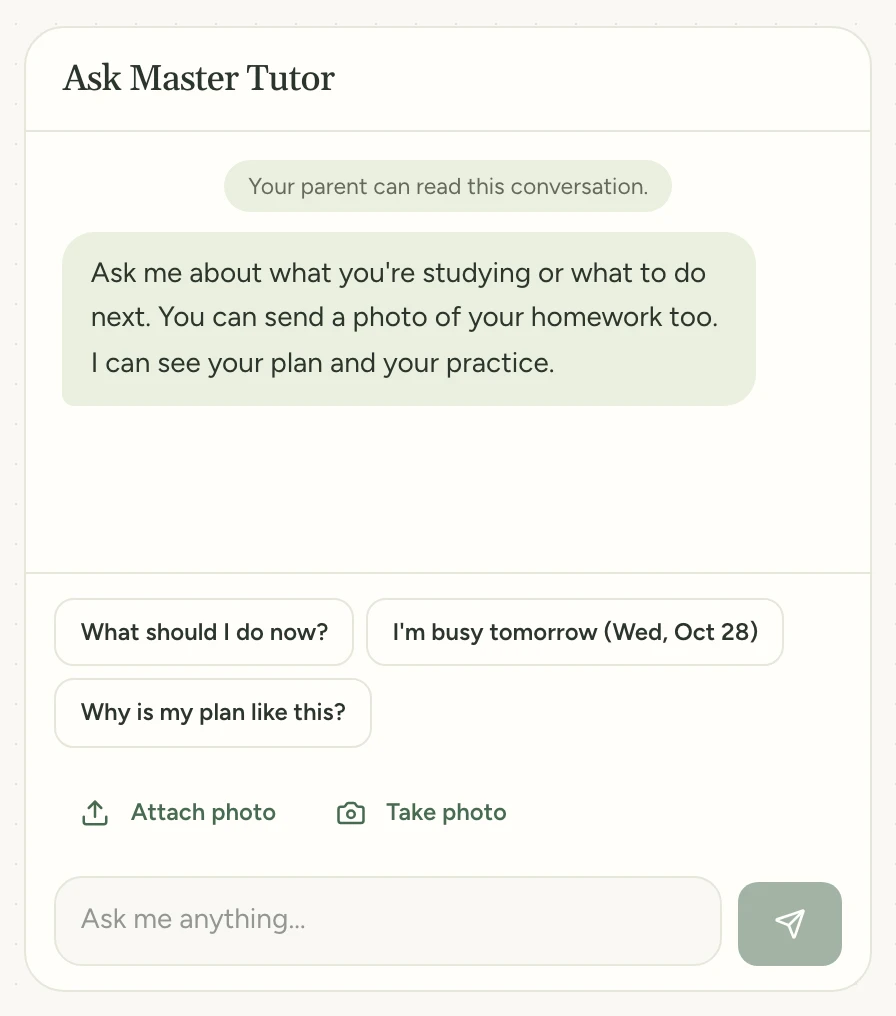
Open Home and find Master Tutor under your greeting. Tap Attach photo and choose a picture of your homework. On a phone, Take photo opens the camera.
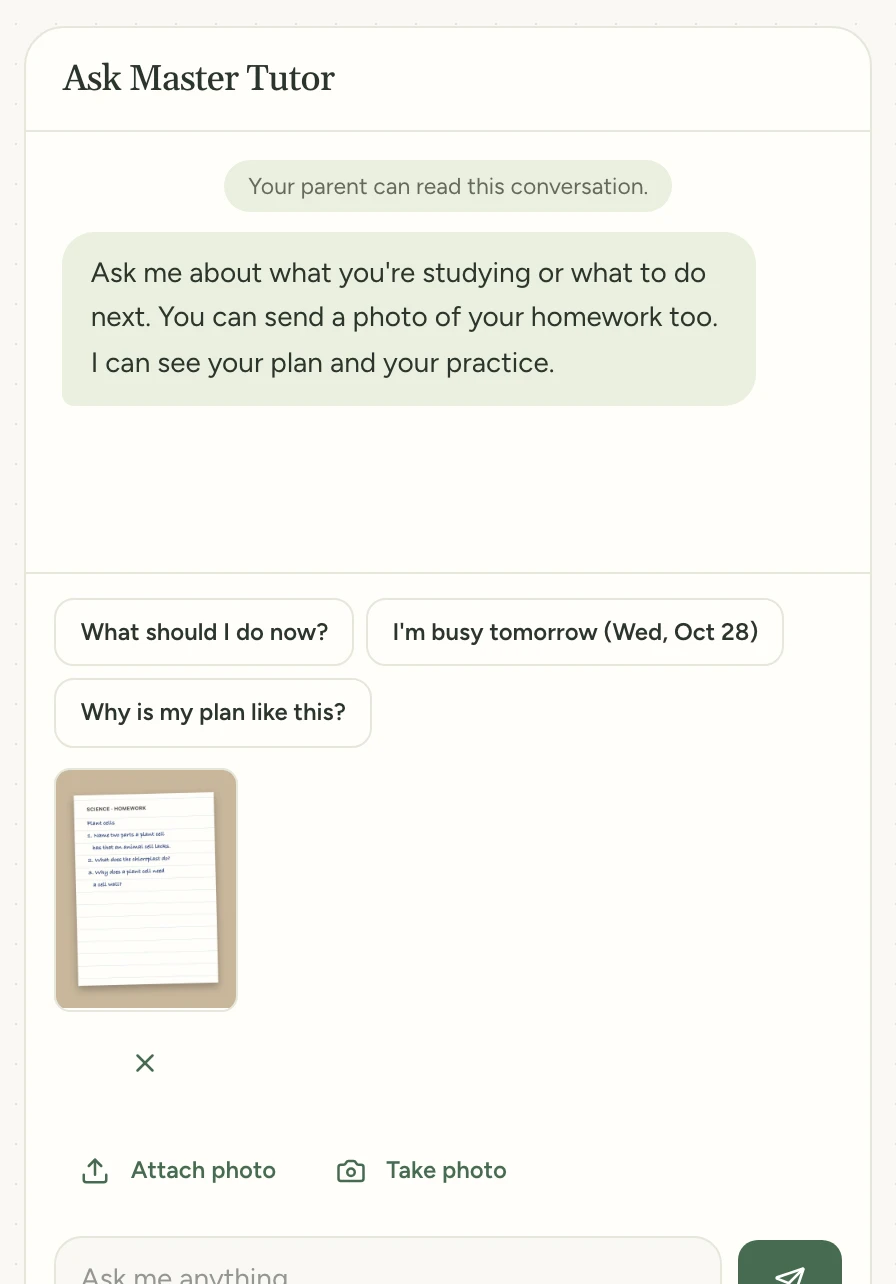
Your page shows above the message box. Add up to six pages if your homework runs longer, then tap Send.
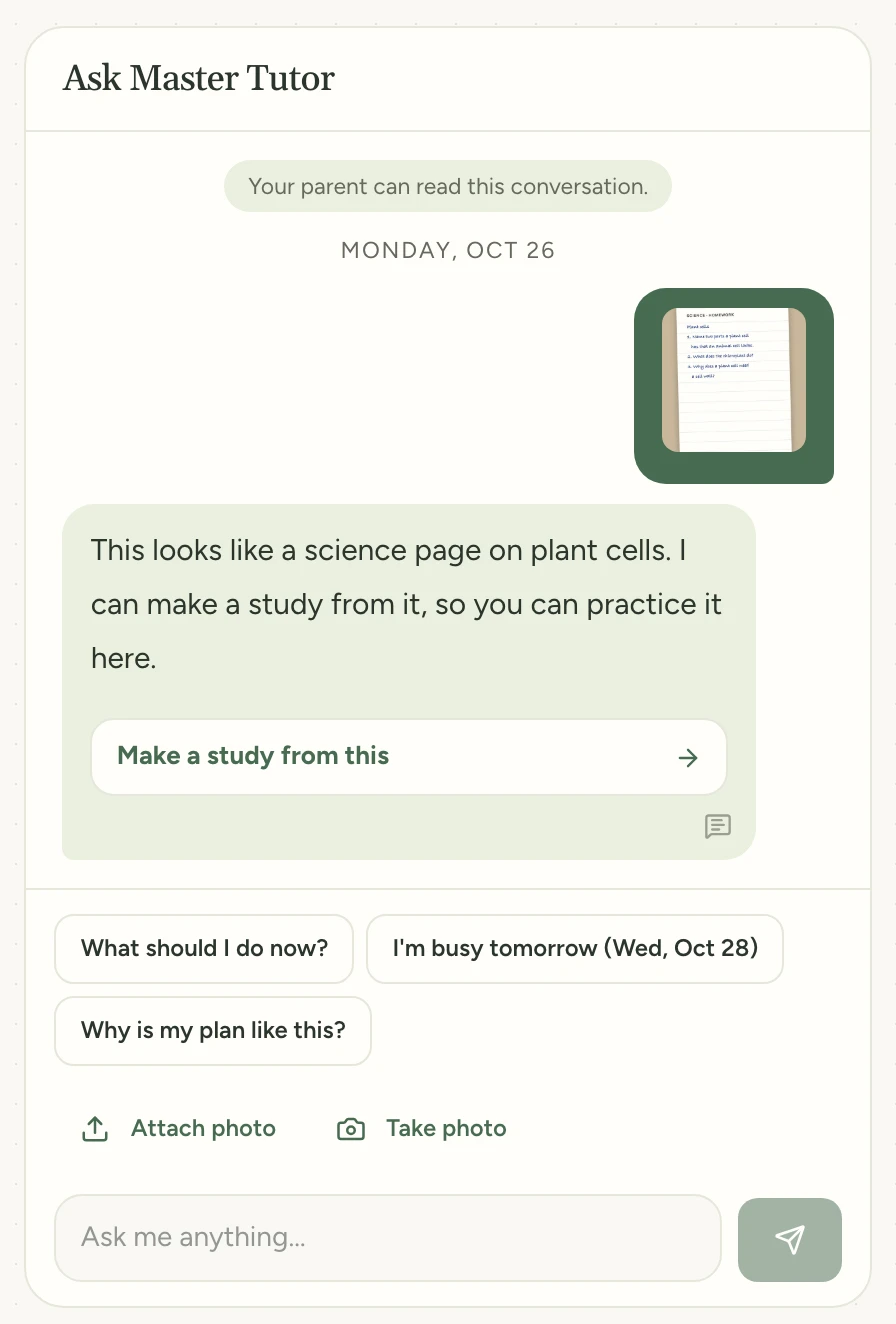
Master Tutor answers with a button for where the page fits, such as Make a study from this. Tap it to go on.
Try it in Study Garden Text this to someone
mystudygarden.com/whats-new/send-homework-to-master-tutor