NewFor students
Lightning mode counts you in with READY?, 3, 2, 1, GO
When a Lightning mode exercise appeared, its clock was already running, so you could lose the first seconds just finding it on the screen.
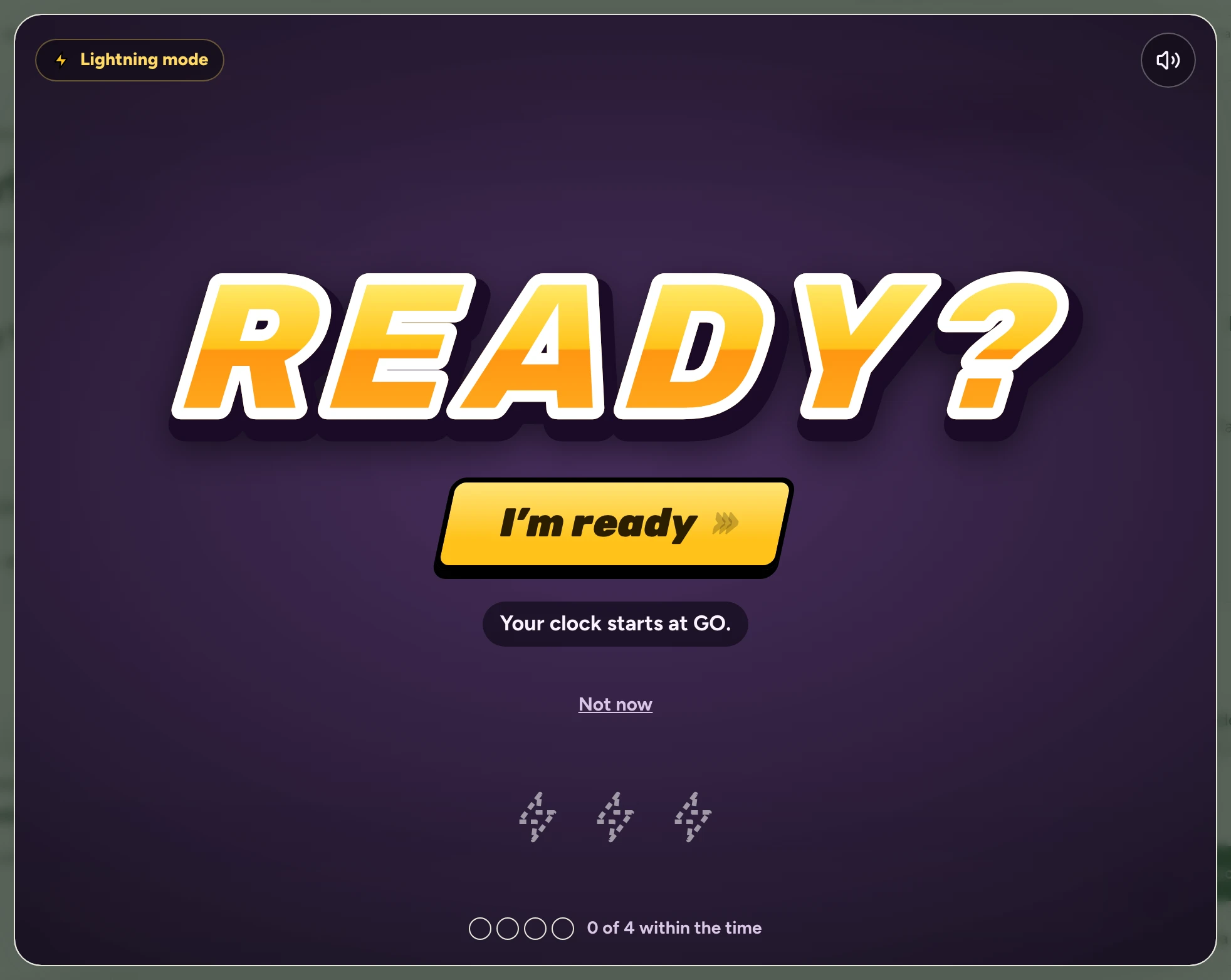
Now each exercise waits behind READY? until you tap I’m ready. Then it counts 3, 2, 1, GO, with an engine sound you can turn off, and your clock starts at GO. The time it takes you to tap doesn’t count.
Find it:My growthA topic you passed at DifficultStart Lightning mode
How to try it
Open a topic you passed at Difficult and tap Start Lightning mode. It happens again each time you tap Next ⚡.
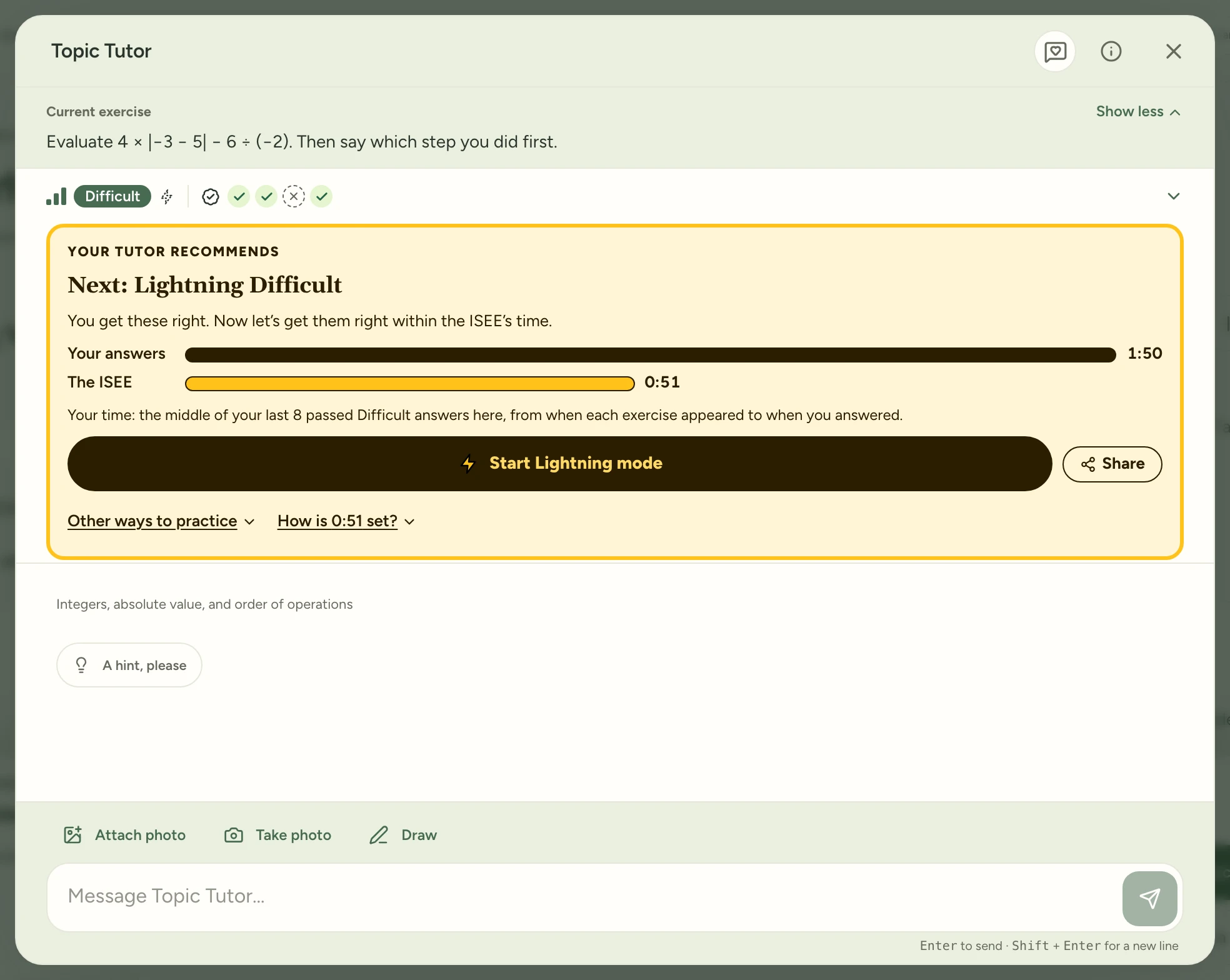
The times are made up for this page. READY? covers the screen while your tutor writes the exercise. When the button says I’m ready, tap it, or press Enter. Nothing counts yet, however long you take.
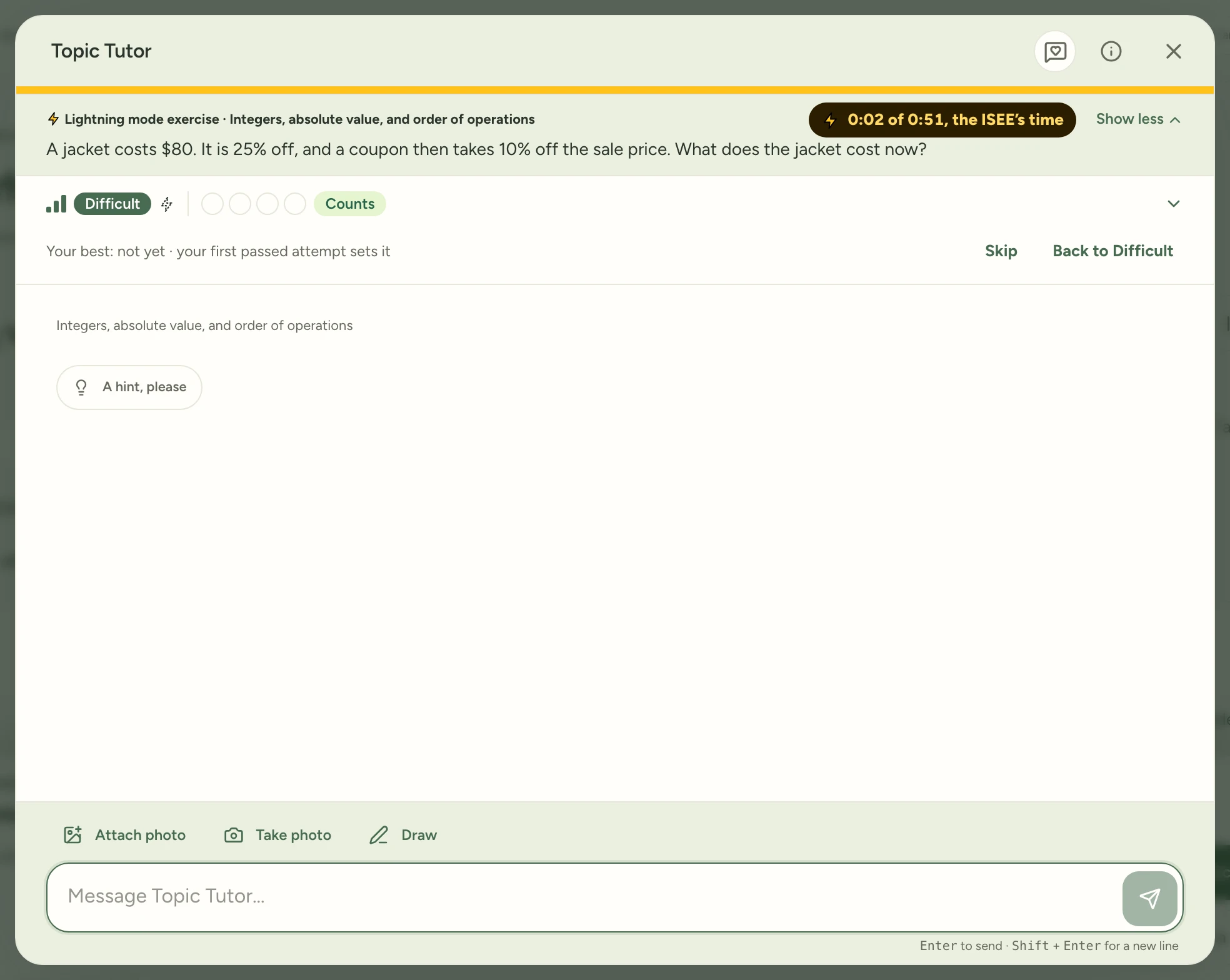
It counts 3, 2, 1, GO. At GO the exercise is there, your clock starts at 0:00 and your answer box is ready. The speaker button on READY? turns the sound off.
Try it in Study Garden Text this to someone
mystudygarden.com/whats-new/lightning-mode-counts-you-in