NewFor students
Add this week's class pages to your study
Your class hands out new pages every week, and starting a new study each time would split up your progress.
Now you can add them to the study you already have. Your tutor makes topics only for what's new, and everything you've done stays as it is.
Find it:My studiesView & edit studyAdd pages
How to try it
Open My studies. On the study you made from your class pages, tap View & edit study.
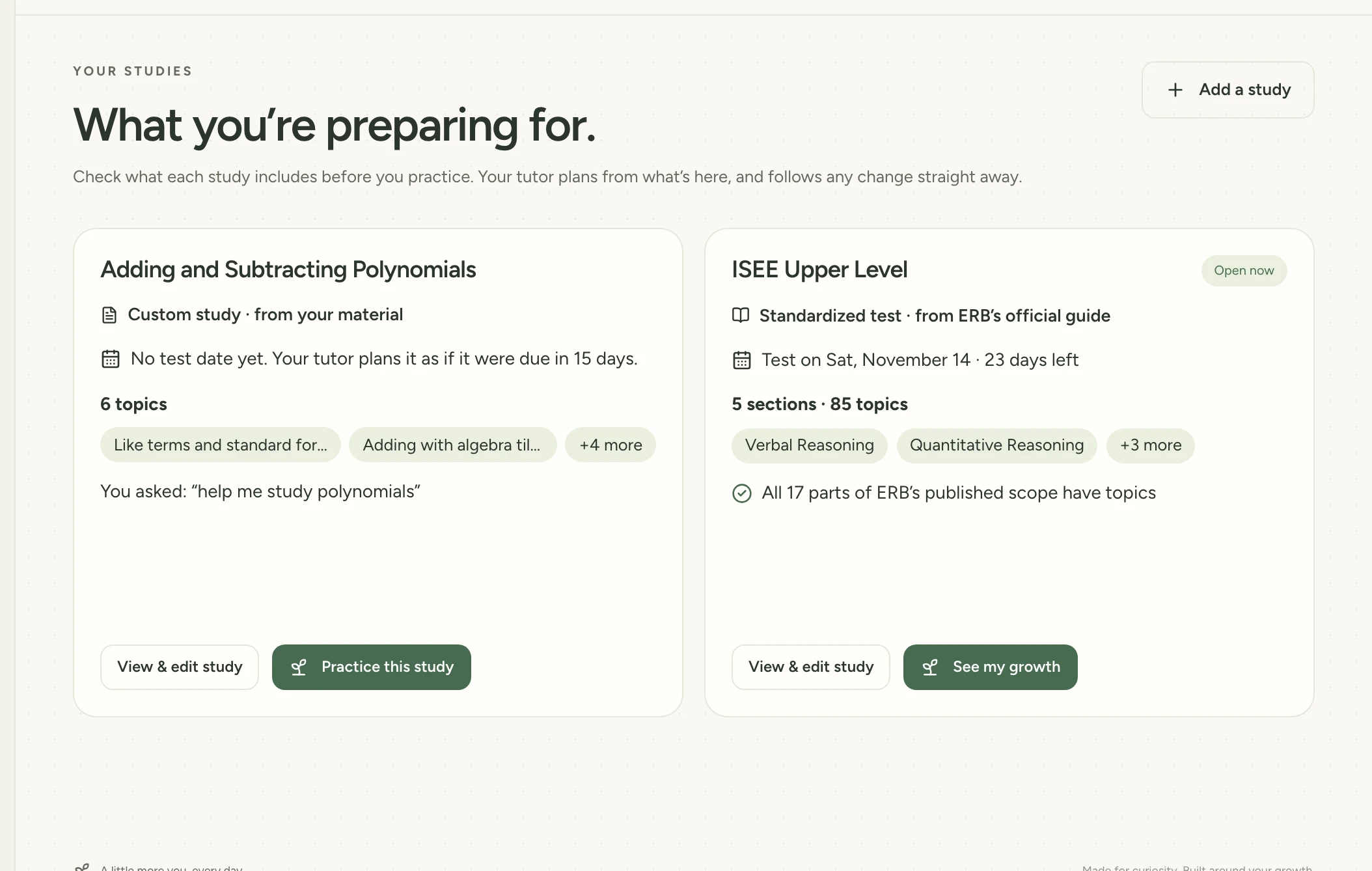
Tap Add pages, then take or upload pictures of this week's pages.
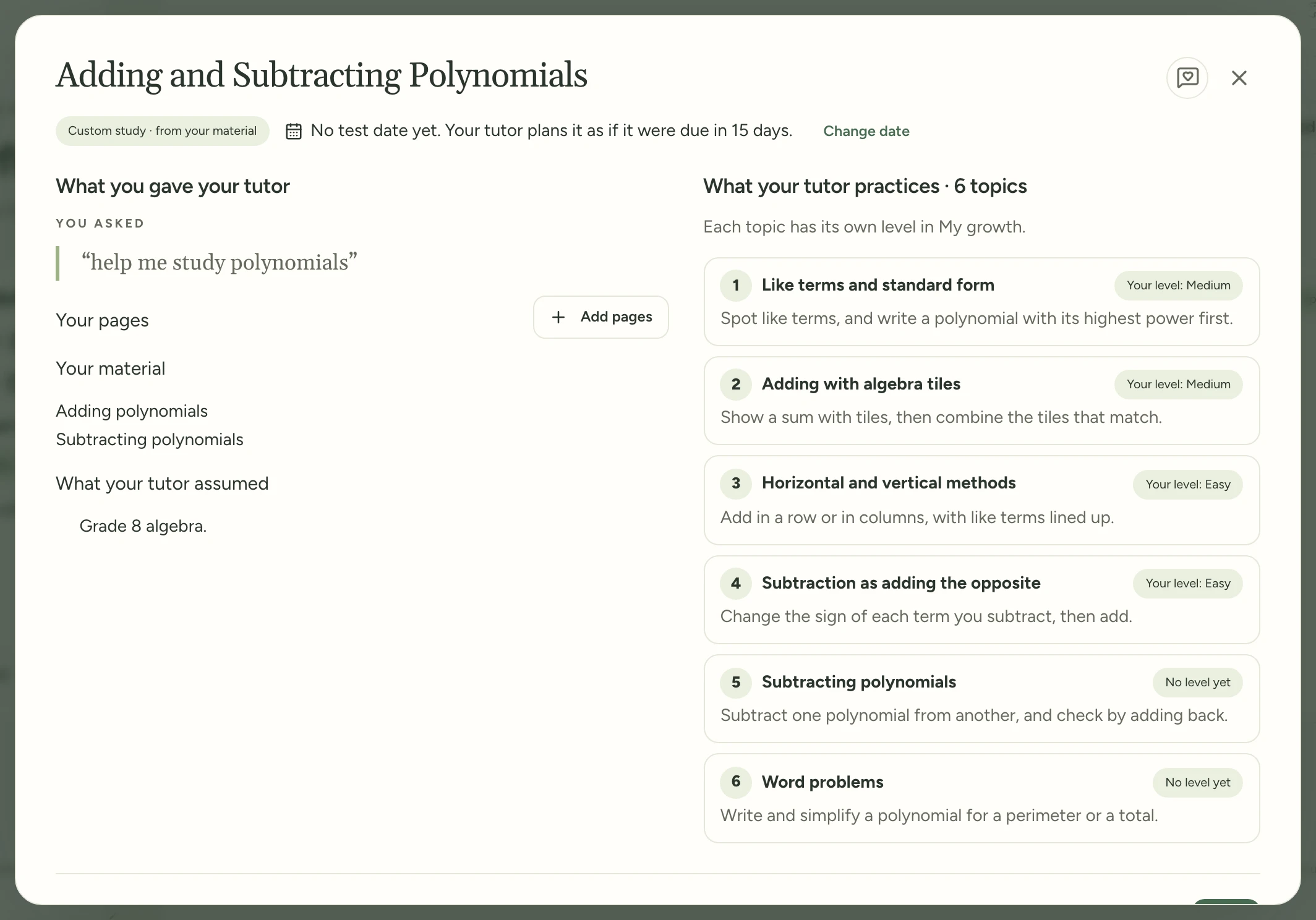
Check the new topics your tutor made, then tap Add these topics.
Try it in Study Garden Text this to someone
mystudygarden.com/whats-new/add-class-pages